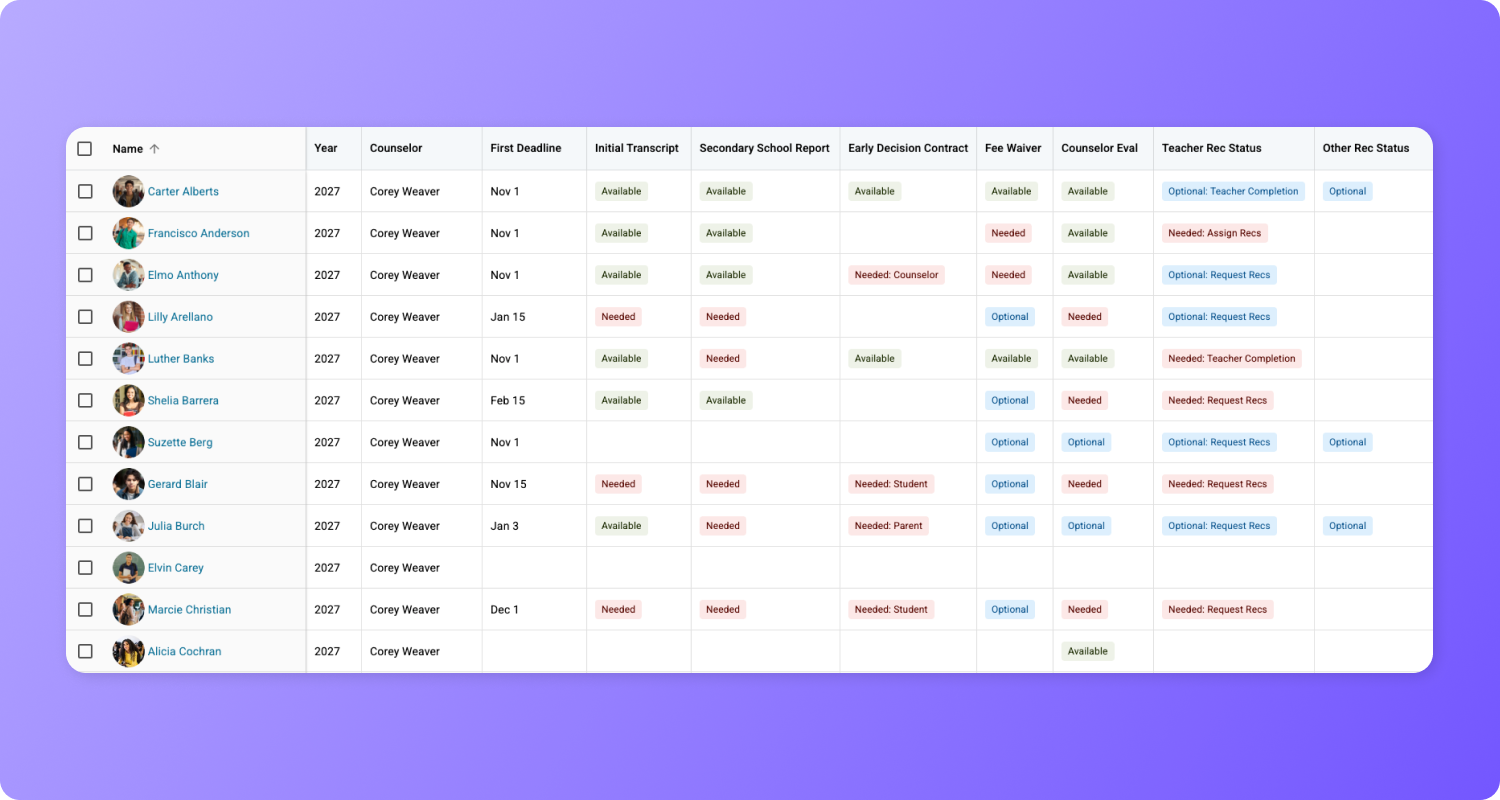
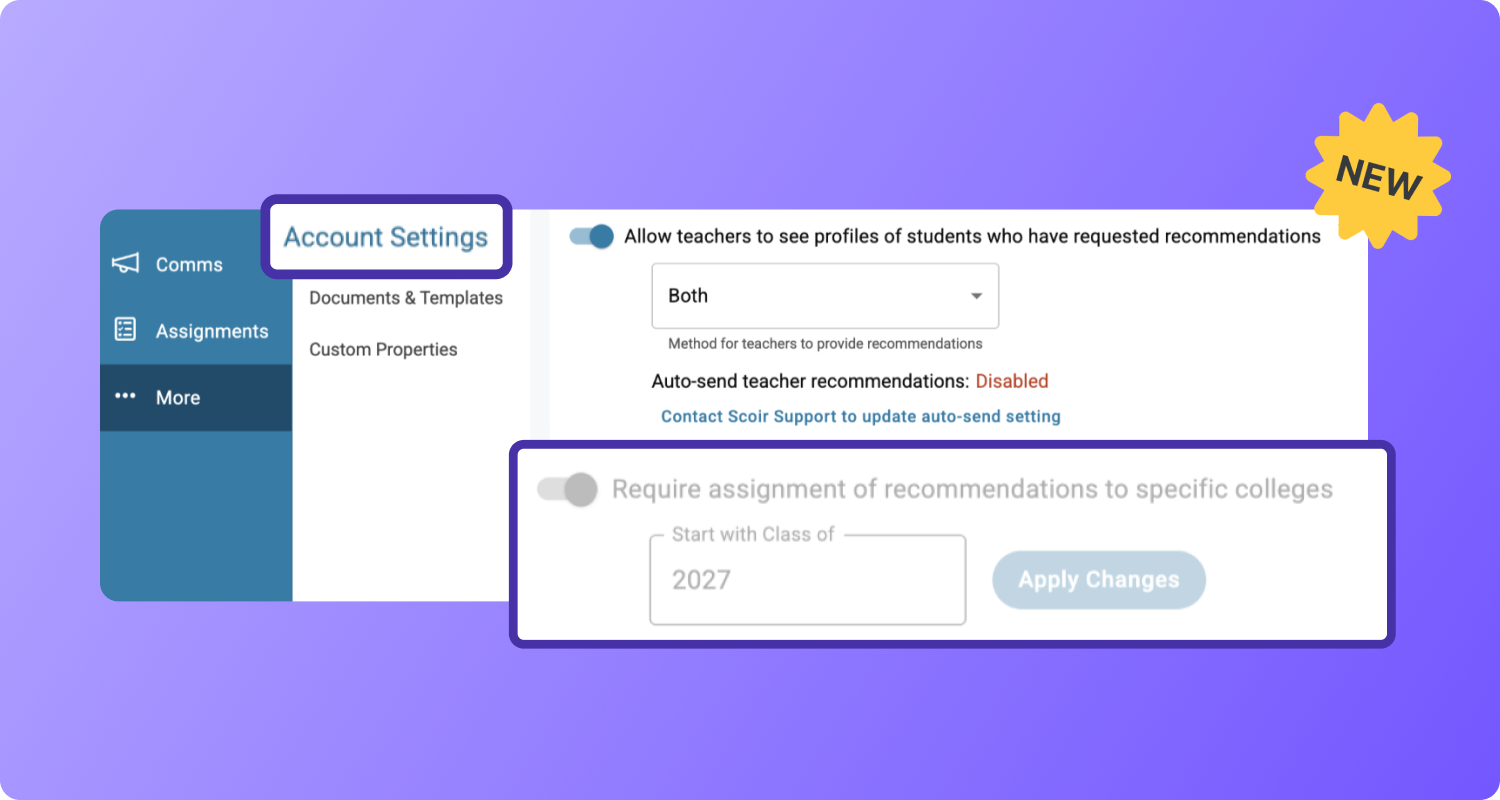
Counselors can now create and send Midyear Reports using an improved layout with increased flexibility 🚀
We’ve improved the overall experience for creating Midyear Reports and made updates to support Common App requirements for those leveraging the integration.
Let’s dive in:
Creating Midyear Reports
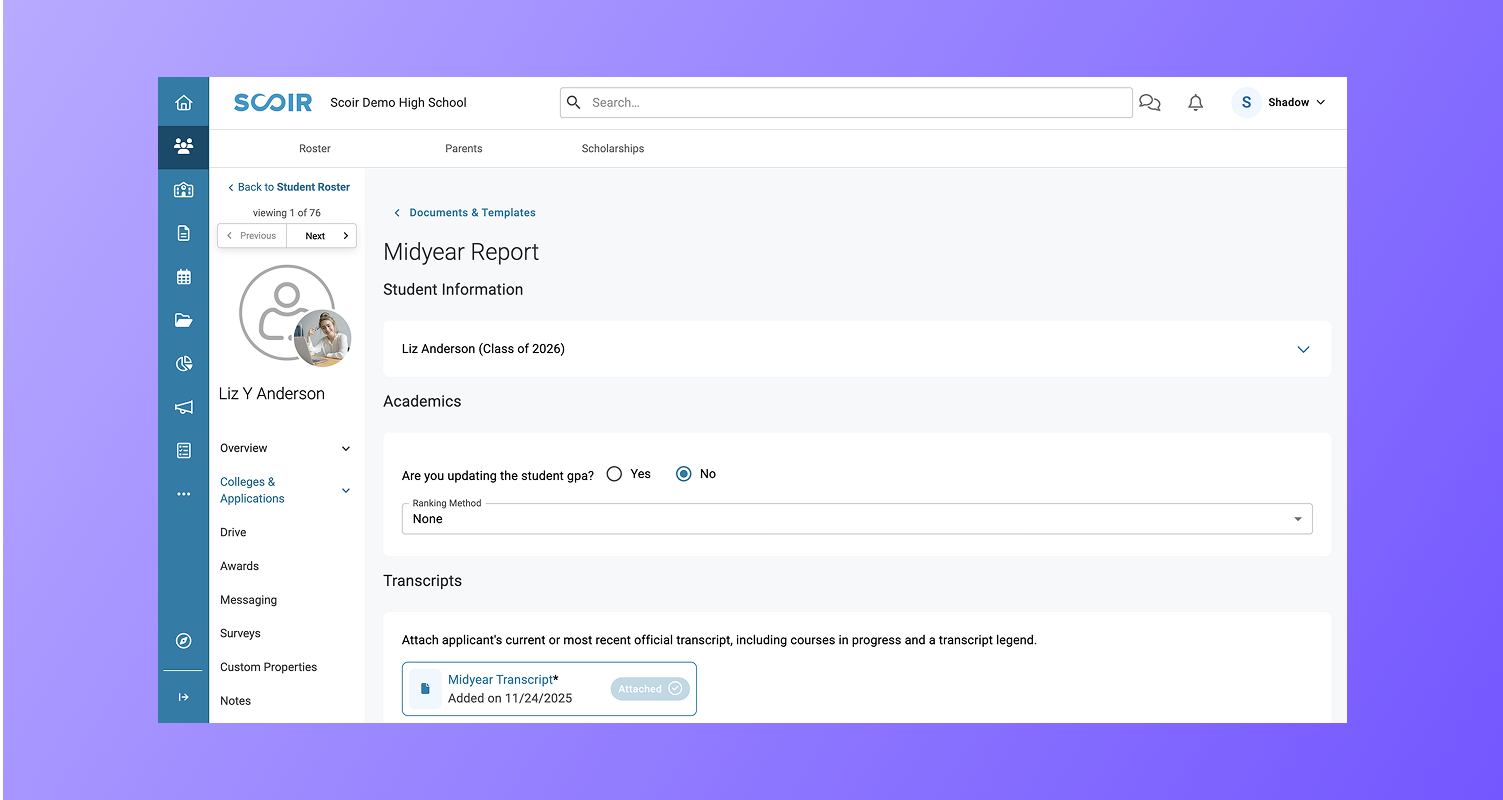
Begin a Midyear Report for a student by opening their profile, selecting Manage Documents, and clicking Create.
.png?width=787&height=391&name=Group%201948%20(15).png)
Using the Improved Layout with Pre-Filled Information
Now, you’ll see the Midyear Report updated with a more intuitive design, new fields, and alignment with Common App requirements for those opted into the integration. You’ll also gain increased flexibility, with your School Report template now pre-populating in each student’s Midyear Report; enabling you to create unique reports for each student without modifying the template.
The Midyear Report includes the following sections:
Student Information
Easily expand student information to see details like phone, email, and address.
Academics
What you see in the Academics section depends on how your School Reports Template is configured, such as whether you enable GPA or Class Rank. You can edit any pre-filled fields for each student as needed, but know these changes are not reflected in other reports.
Transcripts (section for schools integrated with Common App)
Schools leveraging the Common App integration will see an additional section for Transcripts. Here, you can upload Midyear Transcripts for each student directly within the report. Or, you can add them ahead of time individually, or by bulk, so they’re already attached.
Other Corrections or Updates
You’ll answer two questions that allow you to make corrections or updates prior to sending the report:
- Have there been any changes to the senior year courses spent with the original School Report?
- Do you wish to update your original evaluation of this applicant?
Counselor Information
View information for the counselor completing the report to see what populates on Scoir’s Midyear Report. If your school is integrated with Common App, you’ll see the assigned counselor’s information populated here.
.png?width=789&height=934&name=Group%201949%20(1).png)
Previewing Midyear Reports
Once the Midyear Report is complete, head over to the student’s Send Documents page and click the blue Midyear Report title link to see a preview.
For schools not opted into the Common App integration, the Scoir version of the report will populate and we'll continue automatically adding the Midyear Report for each college based on your high school settings.
Schools opted into the integration will see the Common App preview when the student is applying via Common App, and the Scoir version when the student is using another method to apply.
.png?width=829&height=409&name=Group%201949%20(2).png)
💡 Reminder! For those leveraging the integration, if one Common App partner college that a student applies to requires the Midyear Report, it will automatically be attached to all Common App applications for that student and made available to all Common App colleges the student applies. If no Common App colleges require the report, you can choose to include it by selecting +Add Docs, but know this will add it to all applications the student is applying via Common App.
Learning More
Take a deeper dive into creating and sending Midyear Reports by checking out our help articles:
As always, we'd love to hear your thoughts about the direction we're taking Scoir. We're all ears.👂
Val Russell is a Senior Manager of Product Marketing at Scoir. She's spent 12+ years helping products find their voice. She has a knack for translating the complex into the compelling, and has had a hand in more launches than she can count. From shaping messaging frameworks to running campaigns that actually move the needle, she's most at home where strategy meets storytelling.
 Valerie Russell


 Noelle Brandon: Sep 29, 2026, 4:26:09 PM