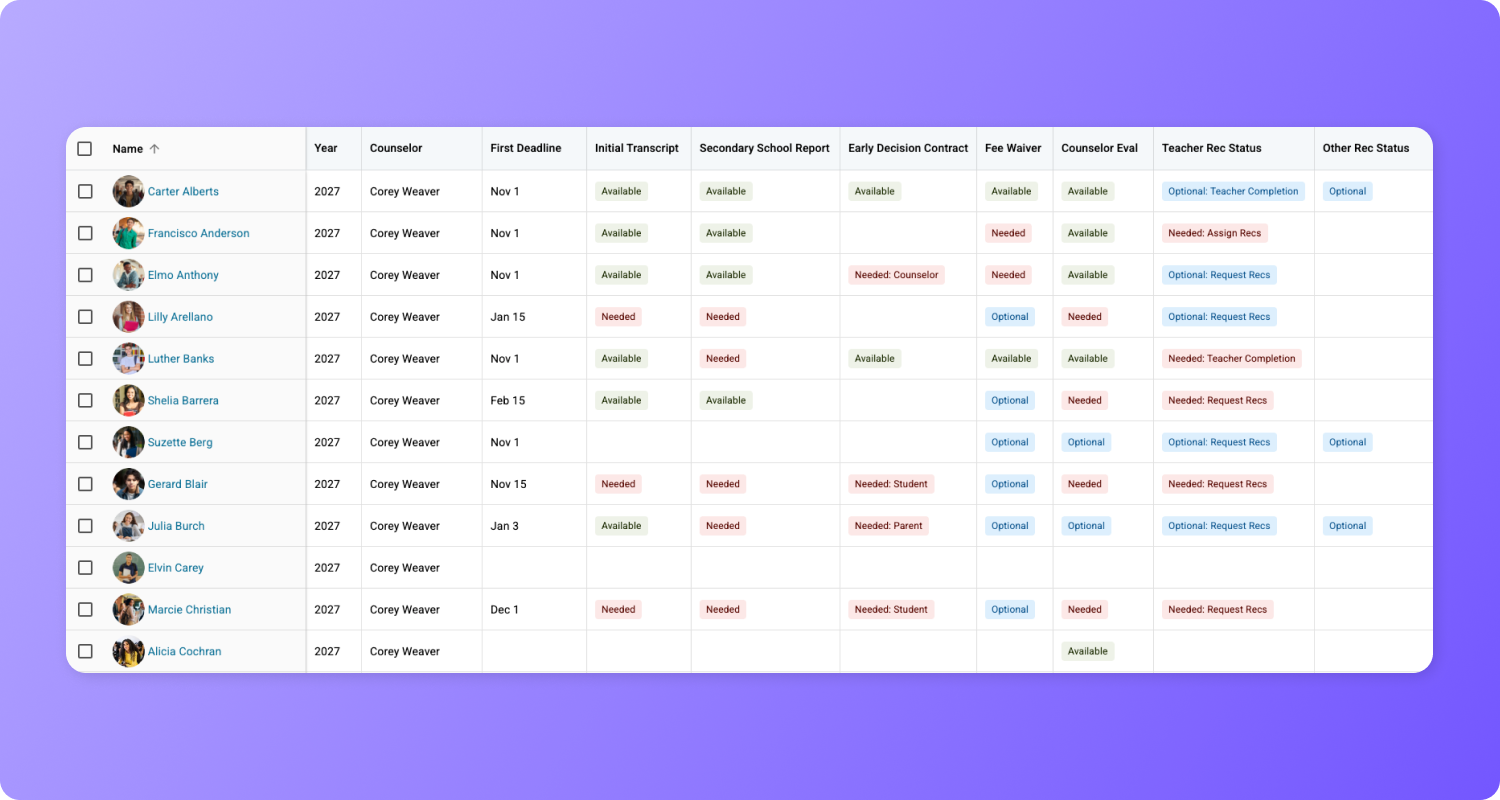
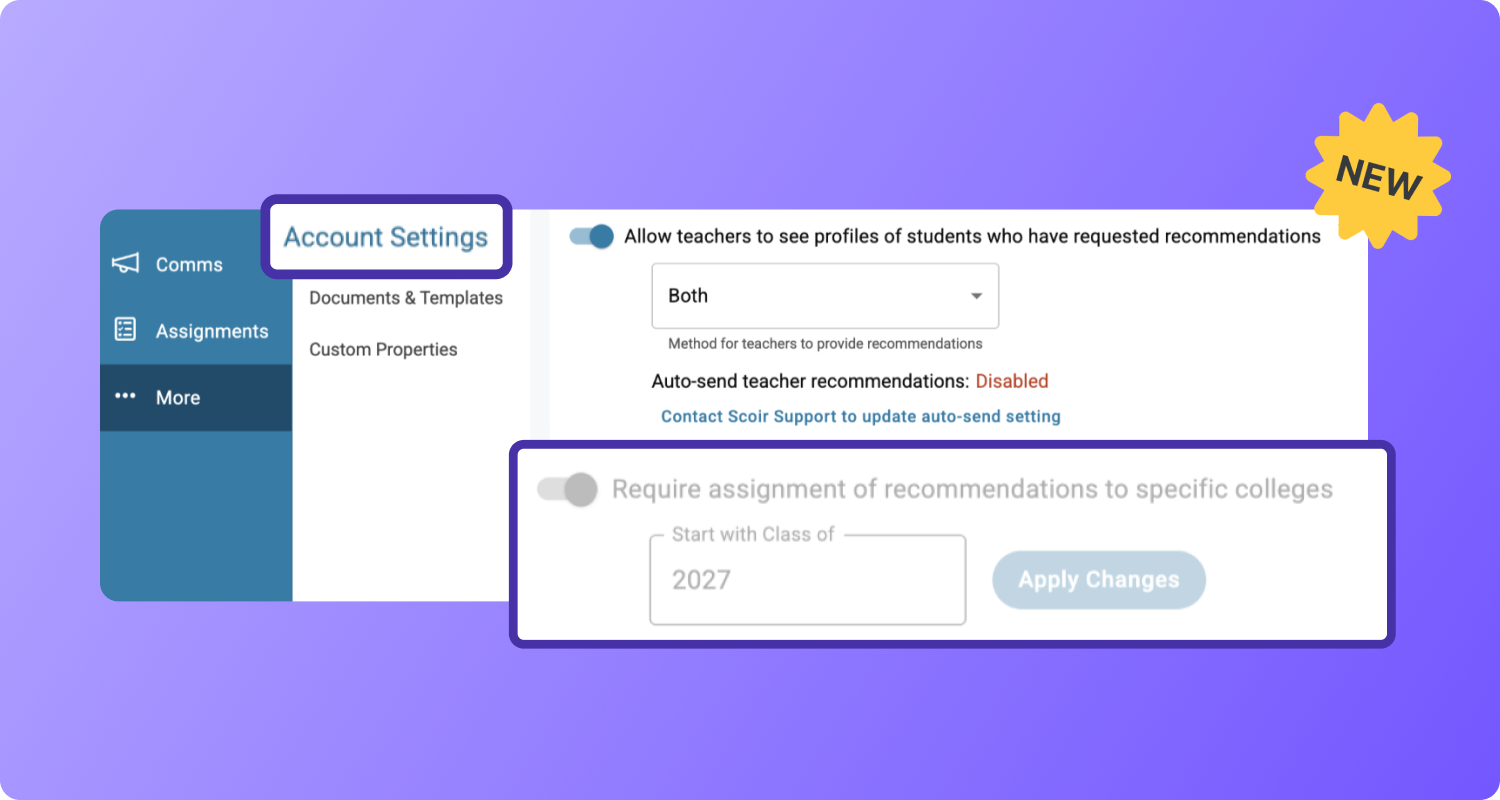
Access pre-built, customizable Plans for onboarding and college and career readiness, including Prerequisites and the ability to assign tasks within a plan by grade level and month 🚀
Plans are great for providing students standardized, milestone-driven guidance, but counselors have told us time and again: building comprehensive Plans in Scoir from scratch (or repurposing our existing Career Readiness Curriculum PDFs) can be overwhelming and time-consuming.
That’s why we’re excited to introduce Scoir-Created Plans 🎉: Pre-built, customizable plans designed to give schools a solid foundation to publish as-is or customize for onboarding and college and career readiness.
When customizing these plans, or creating plans yourself, you’ll also see 2 new features—Prerequisites and the ability to assign tasks within a plan by grade level and month.
Let’s dive in!
Getting Started
We’ve created an onboarding plan and converted our ASCA-aligned curriculum into college and career readiness plans that contain ready-to-assign tasks and forms, so you don't have to start from scratch. And, because plans are evergreen in Scoir, you can let them work for you year after year.
To help you get started, watch the replay of our Counselor Spotlight event where we explored the pre-built, customizable plans and showcased how some of our early adopters are already using them with their students.
.png?width=1268&height=681&name=REPLAY%20-%20Counselor%20Spotlight%2c%20March%202026%20-%20Email%201%20(1).png)
Accessing Plans
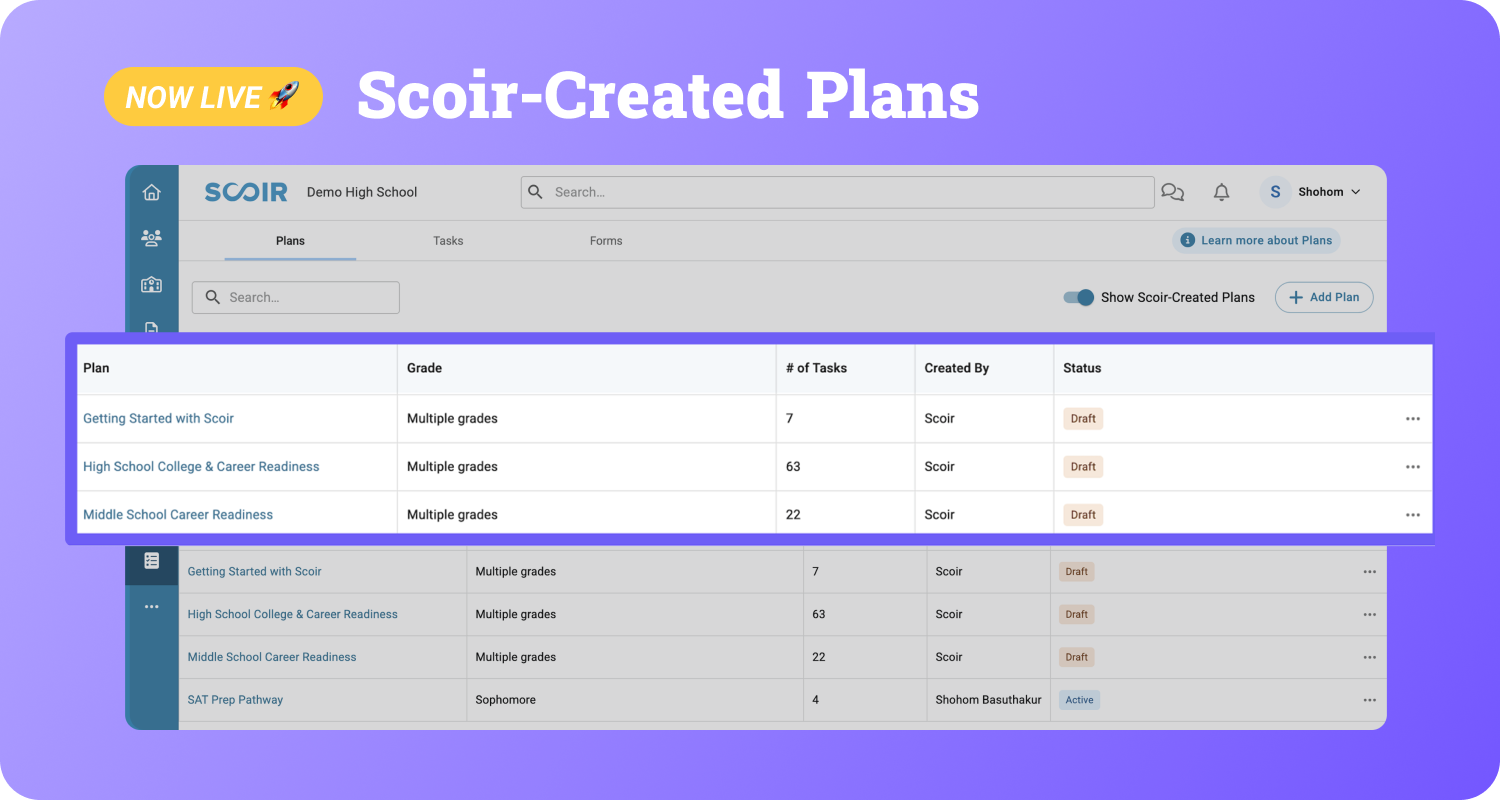
You'll access up to the 3 Scoir-Created Plans depending on your school’s grade levels.
⭐️ Getting Started with Scoir (all grades)
Helps students quickly understand how to navigate Scoir and personalize their experience from their first log in.
🌱 Middle School Career Readiness (6–8)
Encourages early career awareness and self-discovery with reflection-based tasks and forms.
🎓 High School College & Career Readiness (9–12)
Supports students with career exploration, college list building, and application preparation through clear, assignable tasks.
Go to Assignments > Plans where you'll find the new plans Created By Scoir and waiting for you as drafts.
.png?width=2044&height=875&name=Group%201983%20(11).png)
Customizing Plans
There’s no one-size-fits-all approach to student guidance, and that’s why within Plans, you’re already familiar with customizing them by:
-
Editing Task titles, descriptions, and dates
-
Adding or removing content
-
Duplicating tasks into your own custom plans
Now, let’s look at some new additions for customizing plans, whether Scoir-Created or made by you.
First, you’ll see the new option to assign by Prerequisites. These allow you to set sequencing for tasks, which is a great way to provide more control over how and when students receive guidance. Plus, it prevents overwhelming them with too many outstanding assignments.
.png?width=1868&height=946&name=Group%201983%20(7).png)
Another update is that all plans can span across multiple grade levels and be assigned based on month, triggering tasks exactly where that student is in their personal journey.
%201.png?width=1868&height=905&name=Group%201983%20(6)%201.png)
You’ll also notice a new toggle in Plans. If you want to hide Scoir-Created Plans while you manage your own, or resurface them for inspiration, you can do that.
.png?width=1951&height=954&name=Group%201983%20(13).png)
Publishing Plans
When publishing the pre-built plans for college and career readiness, you’ll want to be mindful of timing. These plans are created using the new option to assign tasks within a plan across multiple grade levels and months.
If a student joins Scoir after the start of a plan, they’ll automatically receive tasks from previous months or years that they missed. But, this also means a senior who just joined Scoir will receive all tasks for freshman, sophomores, and juniors as well as the senior tasks.
If you don't want students that register later on to receive previous grade level tasks, then you can use a tip from a beta tester and duplicate the tasks into your own grade level plan.
.png?width=1868&height=917&name=Group%201983%20(14).png)
Resources
We encourage you to watch the replay of our Counselor Spotlight event and review our Scoir-Created Plans Playbook that's packed with additional resources you can view, print, and download.
As always, we'd love to hear your thoughts about the direction we're taking Scoir. We're all ears.👂
Val Russell is a Senior Manager of Product Marketing at Scoir. She's spent 12+ years helping products find their voice. She has a knack for translating the complex into the compelling, and has had a hand in more launches than she can count. From shaping messaging frameworks to running campaigns that actually move the needle, she's most at home where strategy meets storytelling.
 Valerie Russell


 Noelle Brandon: Sep 29, 2026, 4:26:09 PM